
On this page
This error means a single request tried to use more memory than PHP allows, and PHP stopped it. Raising the limit makes the error go away for now. It does not tell you which code needed the memory, and that code is the thing to fix.
PHP Fatal error: Allowed memory size of 268435456 bytes exhausted (tried to allocate 20480 bytes) in /home/site/public_html/wp-content/plugins/example/includes/export.php on line 211What do the numbers mean?
The first number is the limit, in bytes. The second is the size of the last request for memory that pushed it over, which is often tiny.
| Bytes in the message | Limit |
|---|---|
| 41943040 | 40 MB |
| 67108864 | 64 MB |
| 134217728 | 128 MB |
| 268435456 | 256 MB |
| 536870912 | 512 MB |
Is the file in the message the cause?
Not necessarily. The file and line are where PHP happened to be when the memory ran out. If another plugin had already used 250 MB of a 256 MB limit, the next plugin to ask for anything gets the blame. Treat the named file as a clue, not a verdict.
How do I raise the WordPress memory limit?
Add these lines to wp-config.php, above "That's all, stop editing":
define( 'WP_MEMORY_LIMIT', '256M' );
define( 'WP_MAX_MEMORY_LIMIT', '512M' );
WP_MEMORY_LIMIT applies to the front end. WP_MAX_MEMORY_LIMIT applies to the dashboard and to heavy tasks such as image processing.
I raised the limit and nothing changed. Why?
WordPress can raise the limit only if your host allows it, and many hosts fix it in PHP's own settings. If the number in the error message does not change after your edit, the host's memory_limit is the ceiling. Change it in your hosting control panel's PHP settings, or ask your host.
Should I just keep raising it?
No. The limit is per request, and your server has a fixed amount of memory. If every request may use 512 MB, a handful of visitors at once can exhaust the server and take the whole site down. A normal page should need far less. A request that needs hundreds of megabytes has a problem worth finding.
What usually uses the memory?
- Loading thousands of posts, orders or users in one go, where the code should work in batches
- Exports, imports and reports
- Page builders on long pages
- Image processing on large uploads
- A loop that never ends
How do I find which plugin is using the memory?
Note which page or action triggers the error. If it is always the same one, such as an export or one admin screen, the plugin that owns that feature is the first suspect. If it happens on ordinary pages, you need memory measured per plugin, because the error message alone cannot tell you.
How Paul Bunyan helps
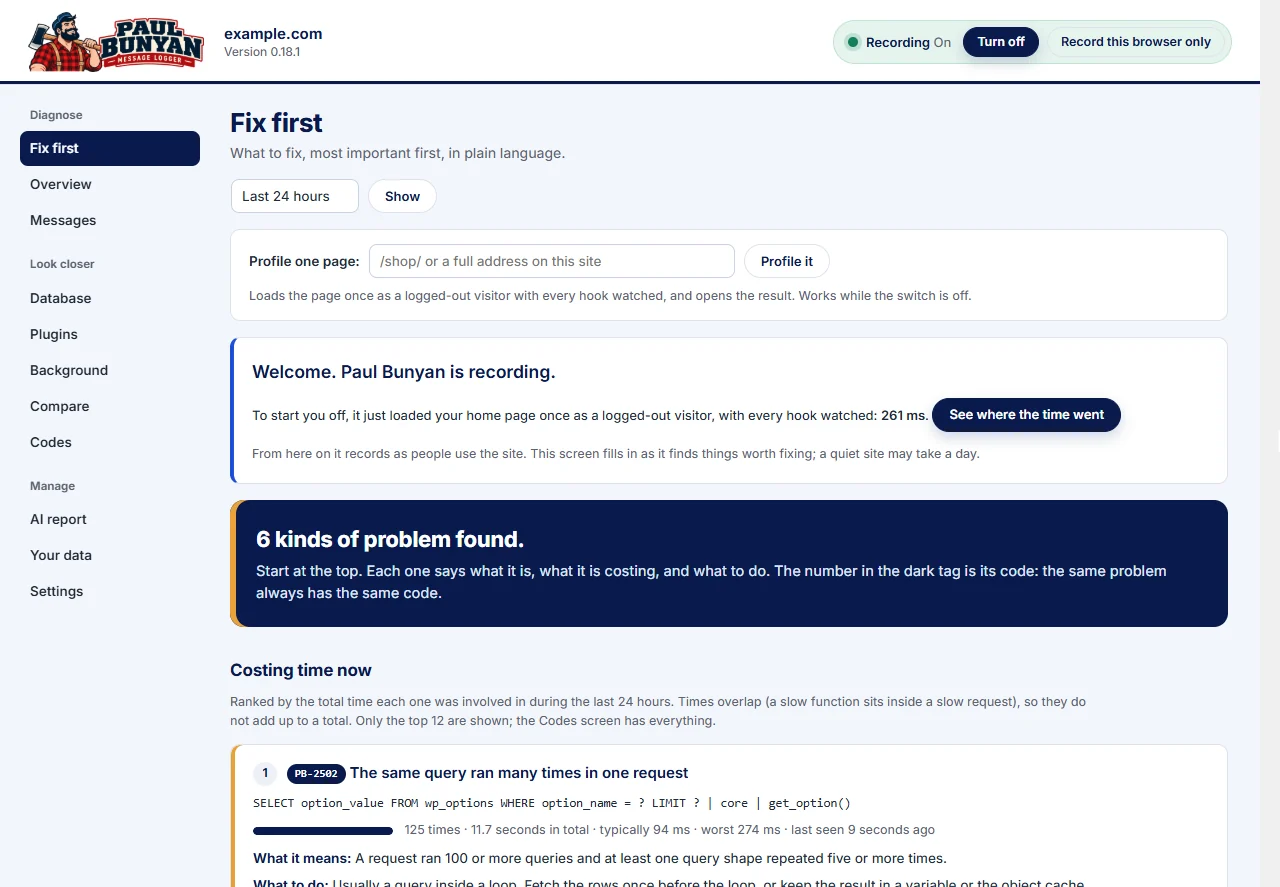
Paul Bunyan records peak memory for every request and shows memory per plugin on the Plugins screen. It warns when a request reaches 80% of the limit (PB-2105), so you can see which requests come close before they fail, and which plugin accounts for the memory when they do.