
GUIDES
WordPress debugging and speed guides
Start with what you can see going wrong. Each guide shows how to collect the evidence, narrow down the cause, and check that the fix worked, with or without Paul Bunyan.
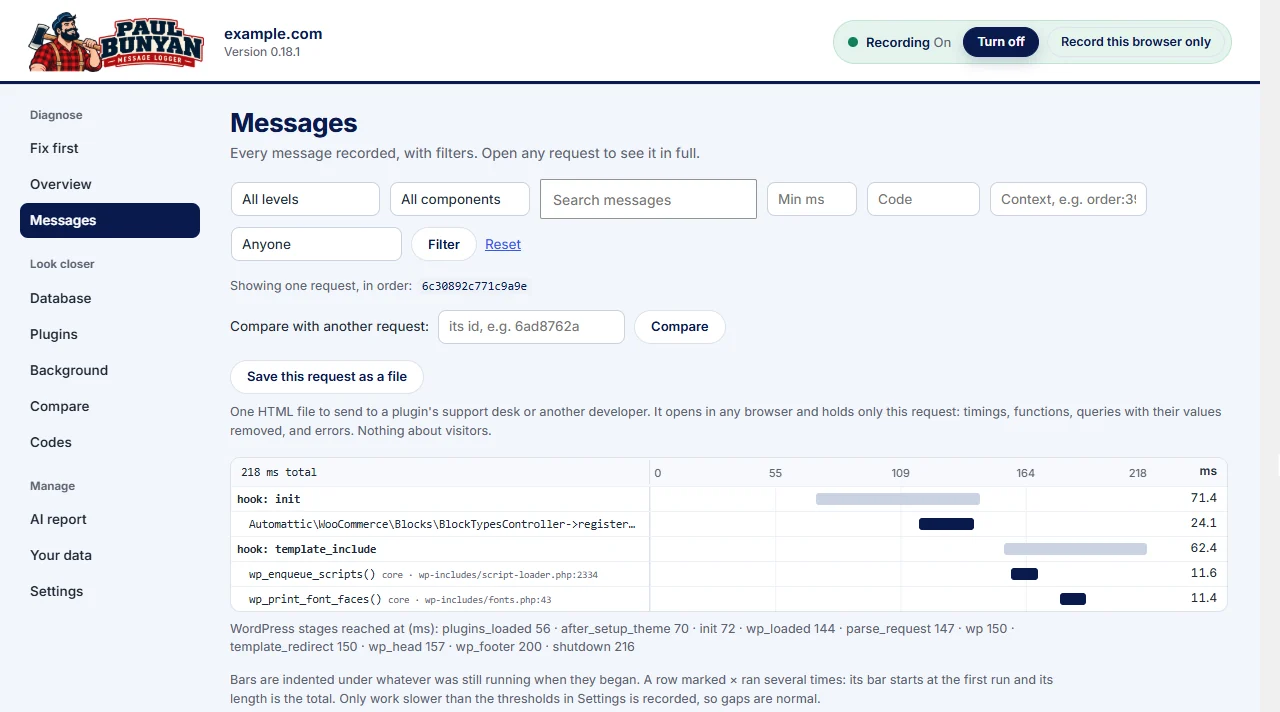
Start with the symptom
| What is happening | Start here |
|---|---|
| The whole site feels slow | Which plugin is slowing down my WordPress site? |
| Checkout pauses after Place order | Why is my WooCommerce checkout slow? |
| The dashboard is slow but the site is fast | Why is my WordPress admin so slow? |
| admin-ajax.php shows up as slow | Why is my WordPress admin so slow? |
| Something broke after an update | How to find a WordPress plugin conflict |
| “There has been a critical error on this website” | What the critical error means and how to fix it |
| “Past-due actions found” | Action Scheduler past-due actions |
| You need to see the PHP errors | How to enable WordPress debug mode |
| debug.log is full of lines you do not understand | How to read the WordPress debug log |
Keep the test fair
Repeat the same action every time. Write down the versions and settings. Change one thing at a time, and save enough evidence to compare before and after. Work on a staging copy whenever a change could break a live site, and remove customer details before you share anything.
See it on a real site
The Paul Bunyan case studies follow these methods on real WordPress builds, from a fatal error and checkout warnings in a custom WooCommerce build to a pre-launch check of a marketing site.
All guides
Debugging and speed guides
Plain answers to the questions people ask about slow and broken WordPress sites.