
On this page
This message means PHP hit a fatal error and WordPress stopped the page rather than show a blank screen. The message itself never names the cause. The cause is one specific line in one plugin or theme, and it is written down in two places: an email to the site admin and the PHP error log.
There has been a critical error on this website.

There has been a critical error on this website. Please check your site admin email inbox for instructions.
Visitors see the first form. Logged-in administrators see the second.
What causes it?
| Cause | Typical sign |
|---|---|
| A plugin or theme update with a bug | Started right after an update |
| Two plugins that do not work together | Started after installing something new |
| A PHP version change | Started after your host upgraded PHP |
| Running out of memory | Happens on heavy pages, not all pages |
| A manual code edit with a typing mistake | Started after editing functions.php or a snippet |
How do I find the exact cause?
- Check the admin email inbox. WordPress sends a message titled "Your Site is Experiencing a Technical Issue" to the site's admin address. It names the plugin or theme and includes the error text. Check the spam folder too.
- Read the error log. If the email did not arrive, turn on debug logging and load the broken page again. The last "PHP Fatal error" line in
wp-content/debug.lognames the file and line. See How to read the WordPress debug log. - Read the path. The folder after
plugins/orthemes/is the code at fault.
How do I get back into my site?
The email contains a recovery mode link. It logs you in with the failing plugin or theme paused, so you can deactivate or update it from the dashboard.
If there is no email, connect by FTP or your host's file manager, open wp-content/plugins, and rename the folder of the plugin named in the log. WordPress deactivates a plugin it cannot find. If the path names your theme, rename the theme's folder and WordPress falls back to a default theme, provided one is installed.
What if I cannot tell which plugin it is?
Rename the whole plugins folder to plugins-off. If the site returns, the cause is a plugin. Rename it back and reactivate plugins one at a time until the error returns. Do this only when the log gives you nothing, because the log is faster.
It only happens sometimes. Why?
Intermittent critical errors are usually memory limits or timeouts on heavy requests: a large order, an import, a scheduled job. Nobody is watching when they happen, and WordPress sends the email at most once a day. You need a record of which request failed and what it was doing.
How Paul Bunyan helps
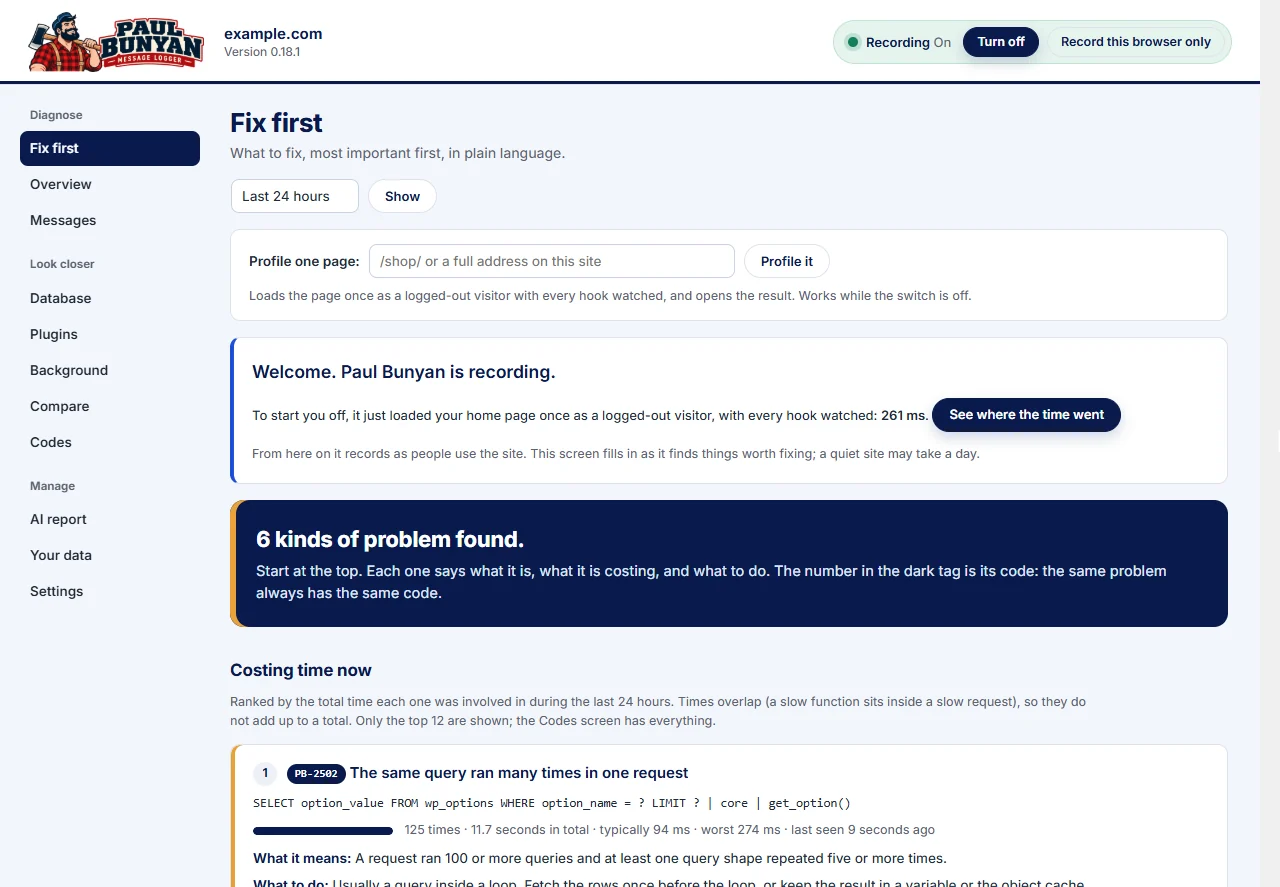
Paul Bunyan records every PHP fatal error with the request it happened in: the page, the plugin, the file and the line, and what the request had done up to that point (PB-2201). Errors that happen at 3 a.m. or in a background job are waiting for you in the list, grouped and counted.
In a custom WooCommerce case study, Paul Bunyan recorded a PB-2201 fatal error in report printing the first and only time it happened, with the function, file and line, and it was fixed within minutes.