
On this page
Paul Bunyan works with AI assistants in three ways. The first two are in the free plugin, and neither sends anything anywhere by itself.
The AI report
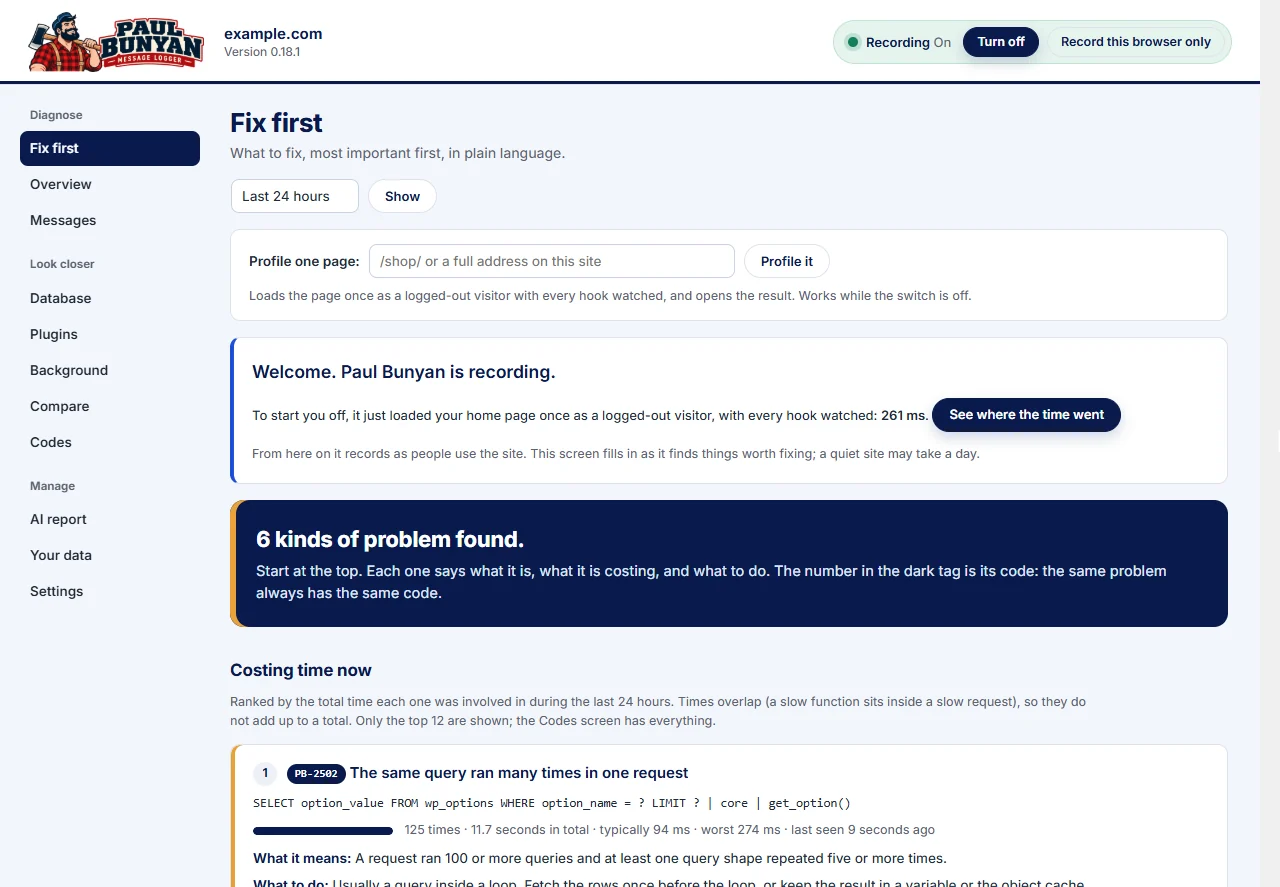
Paul Bunyan → AI report writes a plain-text summary of what Paul Bunyan found: findings by PB code, request types ranked by total time, who issues the queries, email, plugin load times, and pages as visitors' browsers saw them. Choose the last hour, day or week, then Copy to clipboard or download it as a Markdown file, and paste it into ChatGPT, Claude, Gemini or any assistant you like.

The report contains timings, function names, file paths, plugin names, query shapes with their values removed, and your site's host name. It does not contain email addresses, form values or query data. Read it before you paste it anywhere.
The same text is available from the command line with wp pb report.
Abilities for AI assistants (WordPress 6.9 and later)
On WordPress 6.9 and later, Paul Bunyan registers four read-only abilities with WordPress's Abilities API. An AI tool connected to your site through that API can ask for them directly, without anyone copying a report:
| Ability | What it returns |
|---|---|
What to fix first (paul-bunyan/fix-first) | The problems found, most important first, with code, meaning, what to do, how often and how much time. |
Slowest request types (paul-bunyan/slow-requests) | Pages, AJAX actions, REST routes and scheduled jobs ranked by total time. |
One request in detail (paul-bunyan/request) | Everything recorded during one request, in order. |
Cost per plugin (paul-bunyan/plugin-cost) | Load time, running time, queries and memory for each plugin and the theme. |
They are read-only: an assistant can look, but cannot change a setting or switch anything. Only users who can manage the site's options can use them.
Ask AI, in Professional
Paul Bunyan Professional adds an Ask AI button, an Explain this button beside findings and requests, and an AI summary in the email report. You choose the service and add your own key:
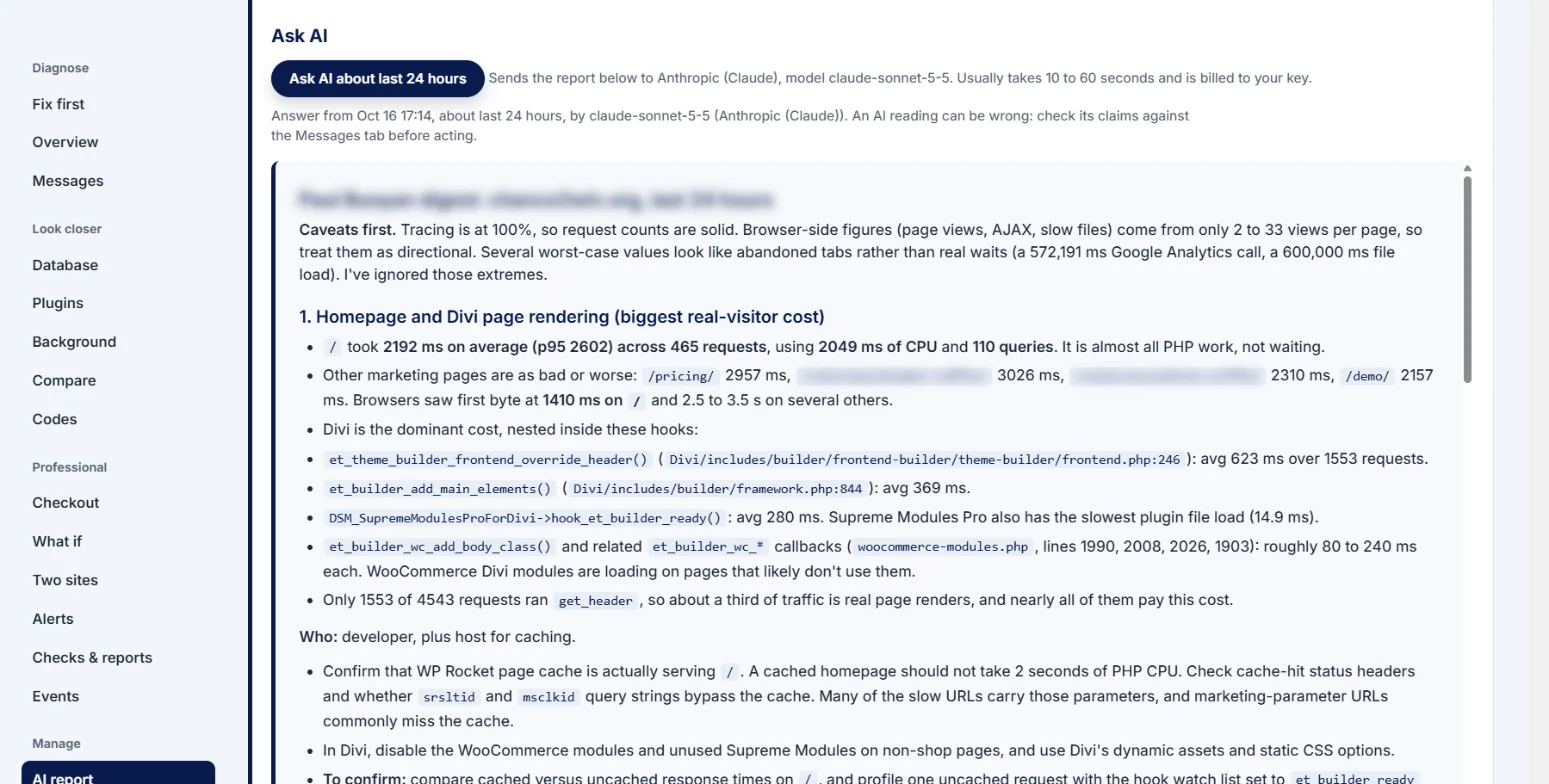
- Anthropic (Claude), OpenAI (ChatGPT models) or Google (Gemini)
- any service that accepts the OpenAI chat format, such as OpenRouter, Mistral, Groq, DeepSeek or xAI
- a model on your own computer, through Ollama or LM Studio
Leave the model empty for the service's default, or type another. Nothing is sent until someone presses a button, and the service's own terms and charges apply. If something is not ready, Ask AI says exactly what is missing, and it explains common errors such as a wrong key, an unknown model or no credit left.