
On this page
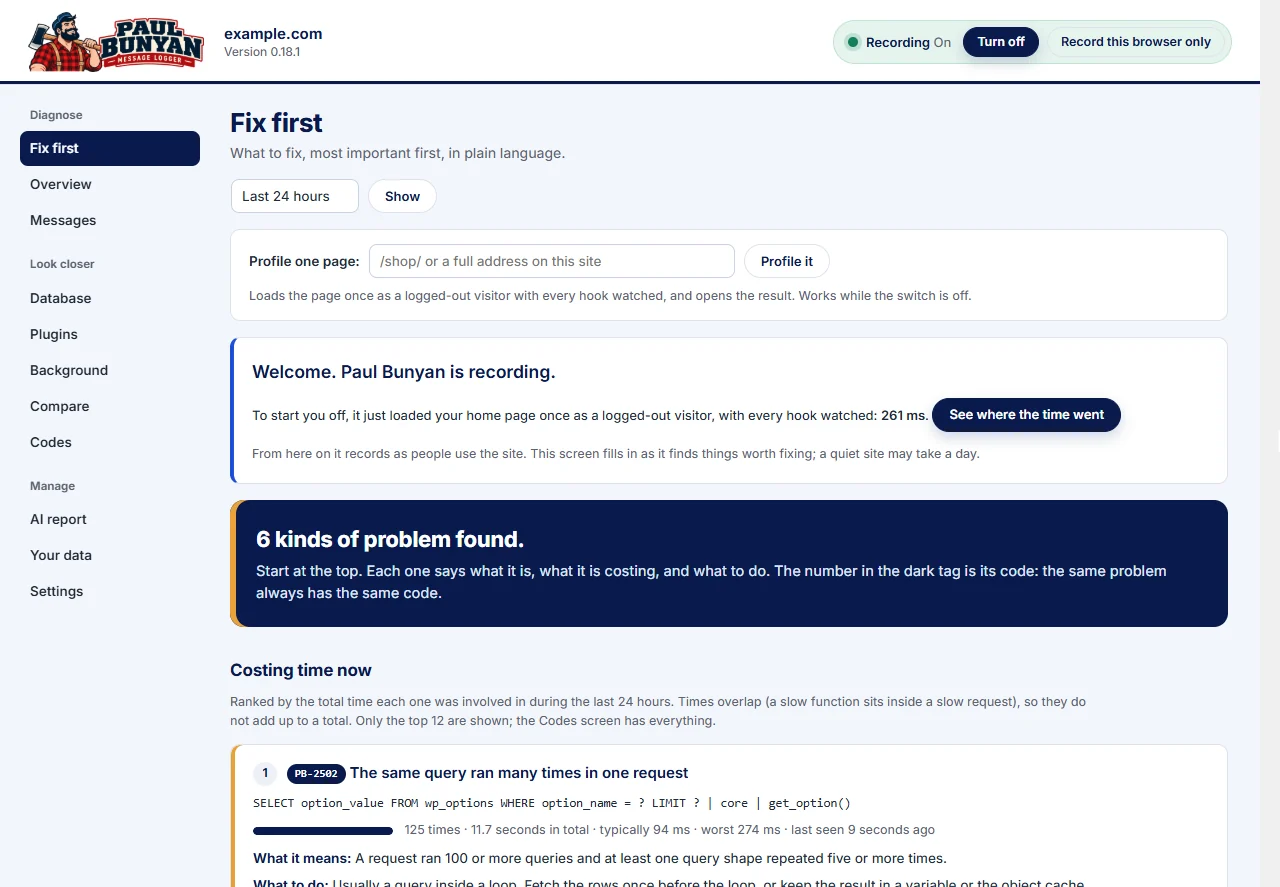
Paul Bunyan Professional is a separate plugin that adds to the free Paul Bunyan. It needs the free plugin installed and active; everything the free plugin records, Professional can keep longer and act on. Its screens appear in their own Professional group in the side menu.
What it adds
| Feature | What it does |
|---|---|
| Longer history | 30 days or 13 months, adjustable, in place of 3 days of detail and 7 of summary. |
| "Got slower" | Request types whose typical time rose against the previous six days, flagged on Fix first (PB-2108). |
| Saved markers | Keep before-and-after markers for an ongoing investigation, in place of one at a time. |
| Alerts | Rules such as "checkout slower than 2 seconds, 3 times in 15 minutes", sent by email or webhook. |
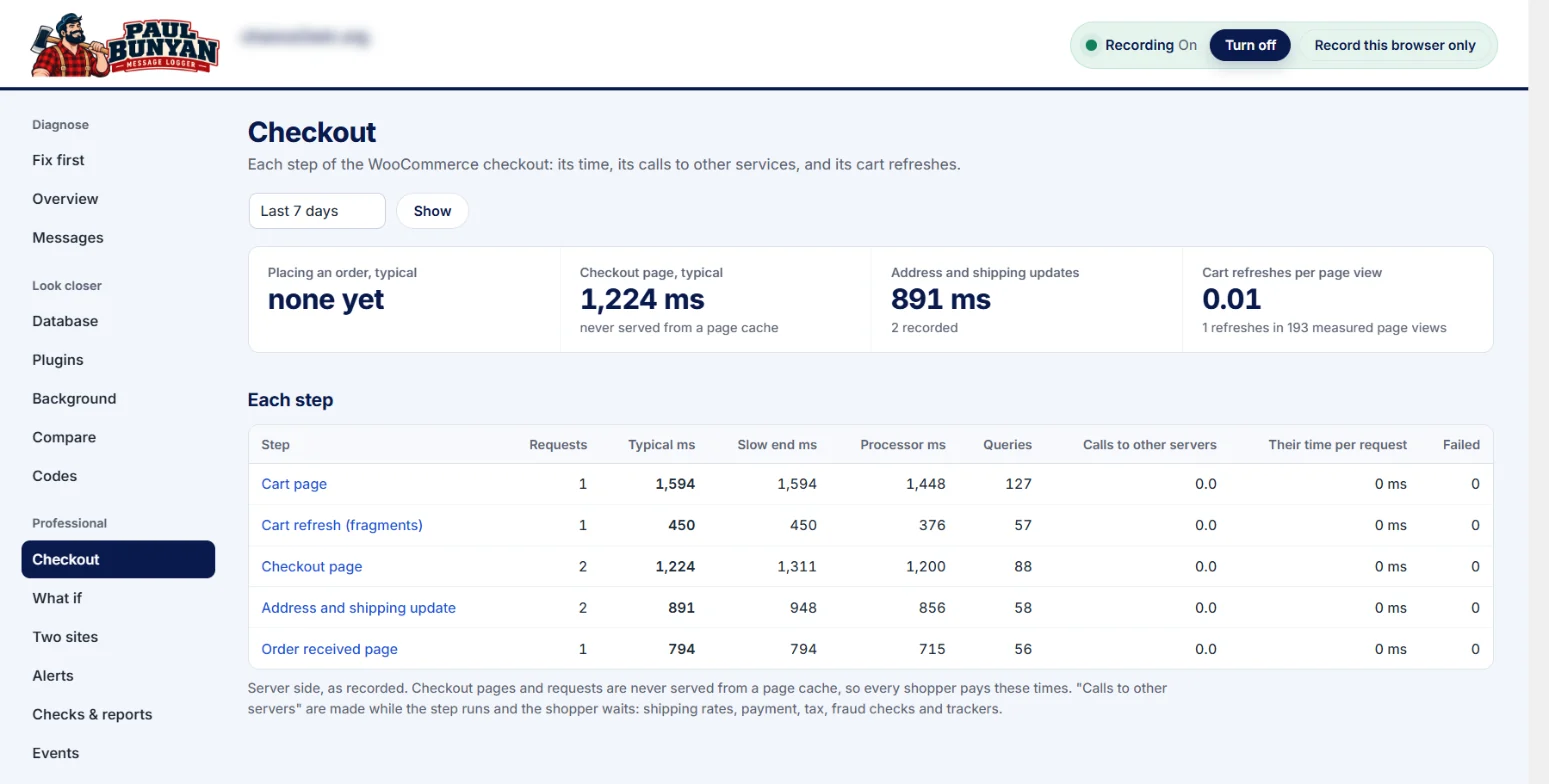
| Order trails and Events | Everything done for one WooCommerce order, across checkout, payment callbacks, background jobs and emails sent later, read as one trail. Business events from paul_bunyan_event() read against speed. |
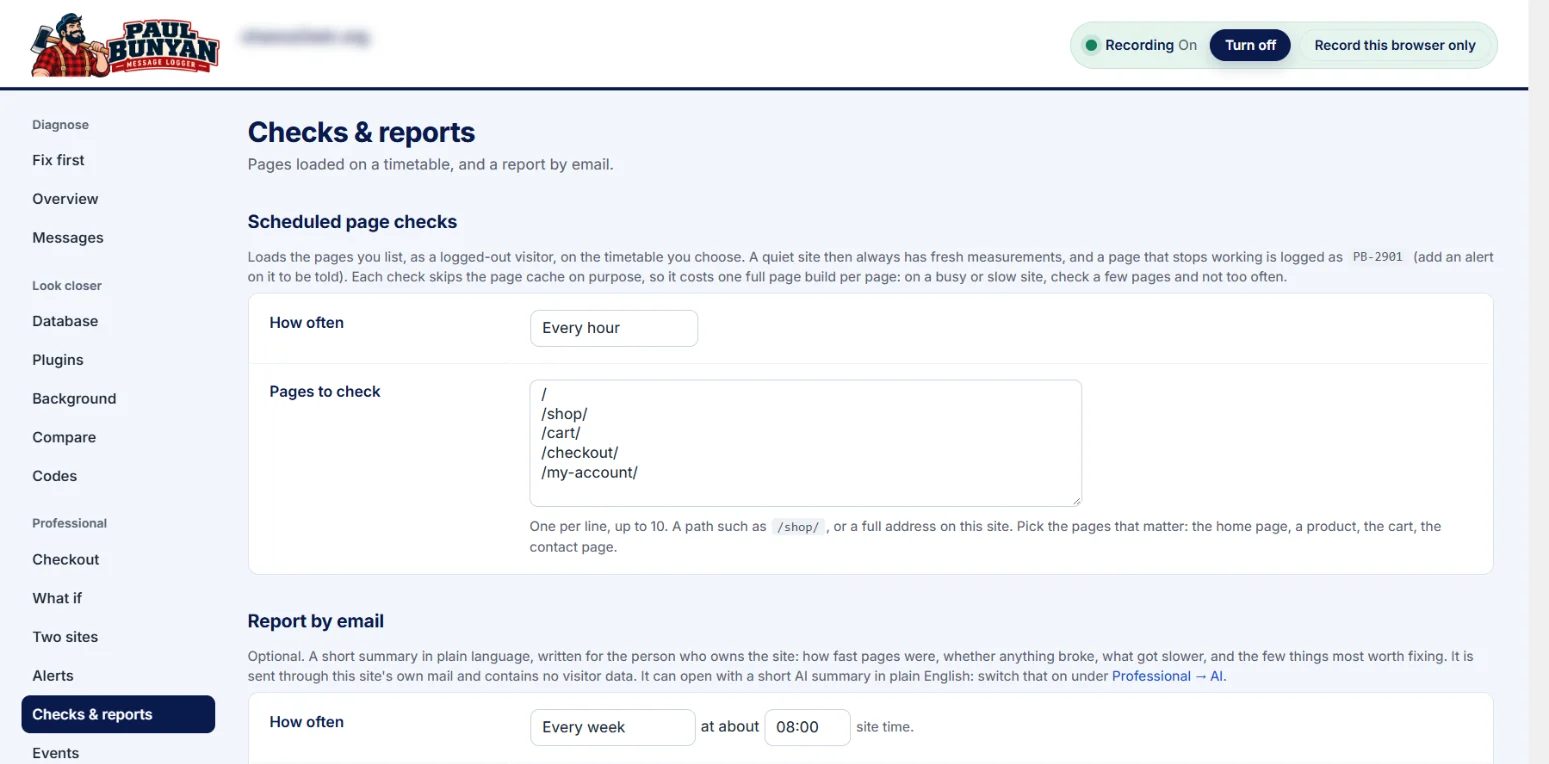
| Scheduled page checks | Chosen pages checked every 15 minutes to once a day. Failures and slow answers are flagged (PB-2901, PB-2902). |
| Broken links and images | Finds links to your own pages, and images and files from your media folder, that lead nowhere. It checks posts, pages, products, page-builder layouts, menus and widgets, and catches images deleted from the Media Library but still used as a resized copy. It suggests where each link should point, and Replace fixes it in the post and keeps a revision. Scans run weekly and whenever a page is saved, and visitors who hit a broken link are recorded too (PB-2601, PB-2602, PB-2603). |
| Give support access | A temporary sign-in link for support, with no password. It ends by itself after 1 to 14 days, can be ended at any time, and every sign-in is recorded. See Get support, and give support access safely. |
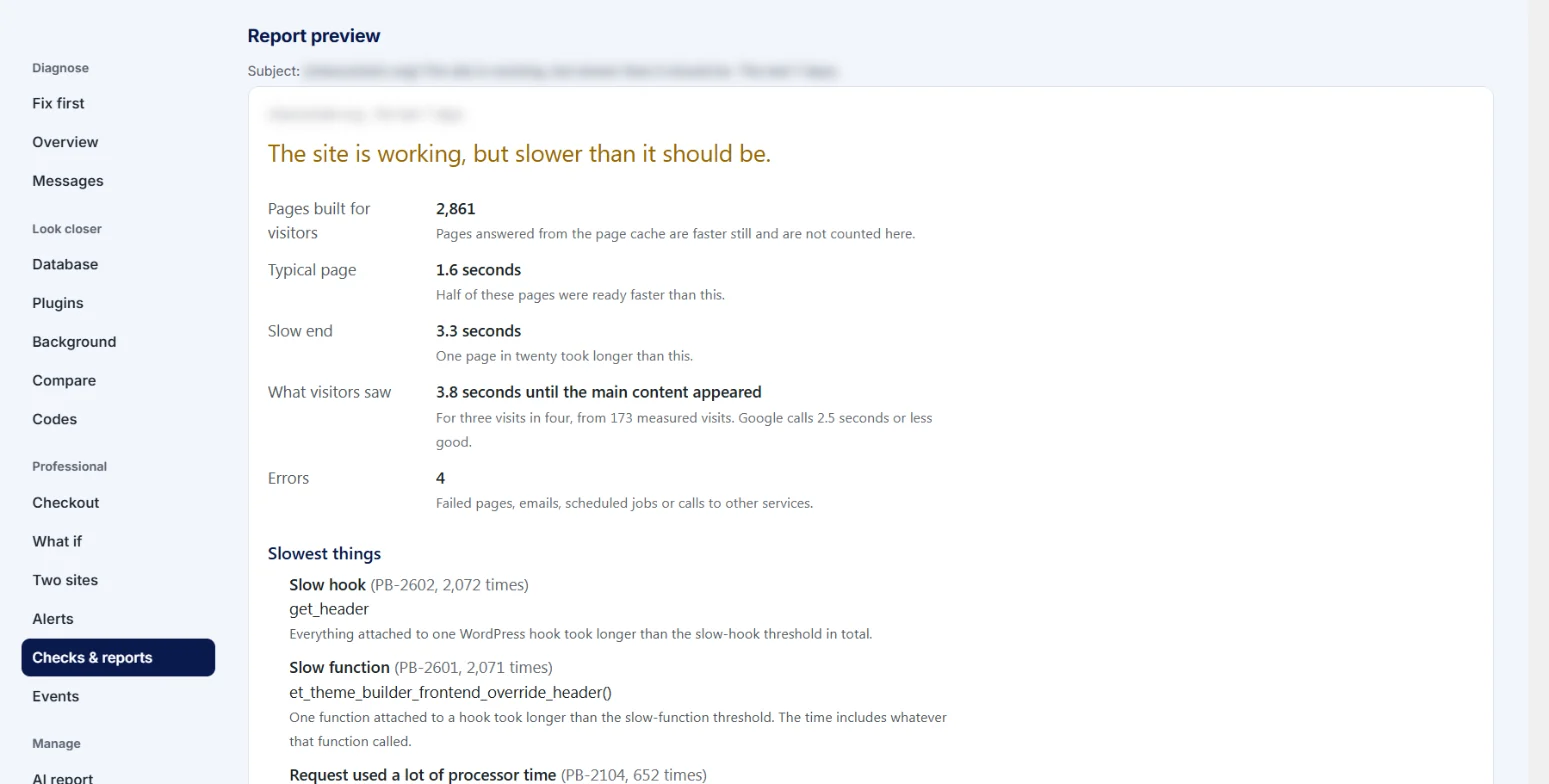
| Reports by email | A plain-language report, daily to monthly, with an AI summary if you use Ask AI. |
| Two sites | Compare a live site with its staging copy: setup, plugins and versions, the same request on both, cost per plugin and Web Vitals. |
| Requests running at once | The busiest moments, and the busiest minute for the processor. |
| Read-only access | Give chosen roles, such as a client, a view of the findings without the switch or settings. |
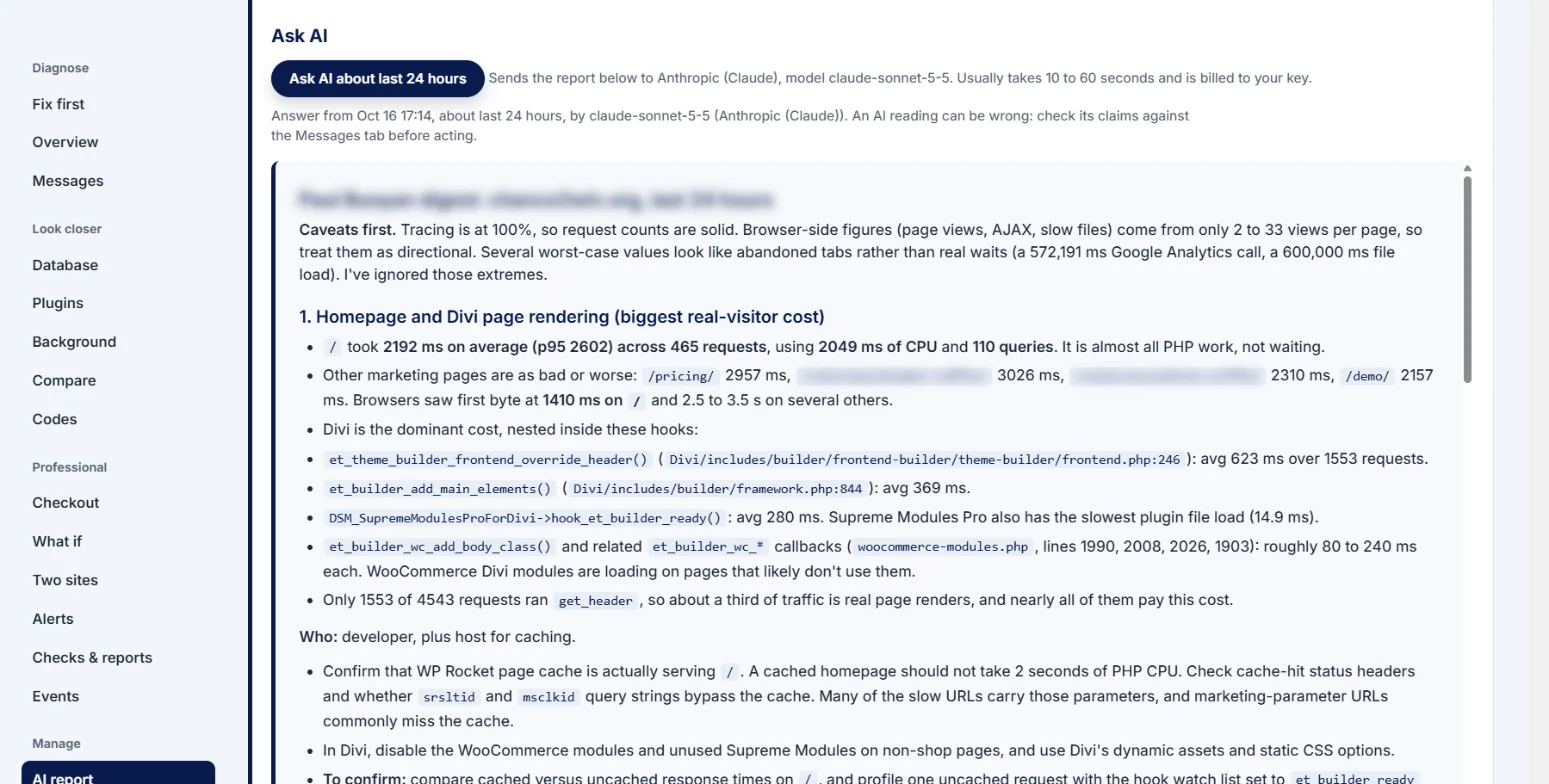
| Ask AI and Explain this | Ask the AI service you choose, with your own key, about the report, a finding or a request. See The AI report and AI assistants. |
| Support tickets | Private support tickets, answered within 1 business day. The free edition is supported on the WordPress.org forum. |

What stays free
All recording, Fix first and every PB code, Overview, Messages, Database, Plugins, Background, Compare, Codes, the AI report, Your data with export and delete, Get support with Copy support details, the switch, WP-CLI and the logging functions. Nothing in the free plugin is locked, timed or switched off later.
Getting it
Professional is sold on diamondsierra.com by the year, for 1, 10 or 50 live sites ($59, $149 or $299), and renews automatically. Staging and local copies of a site are free and do not count. See pricing, then Install Professional and enter your license key.