
On this page
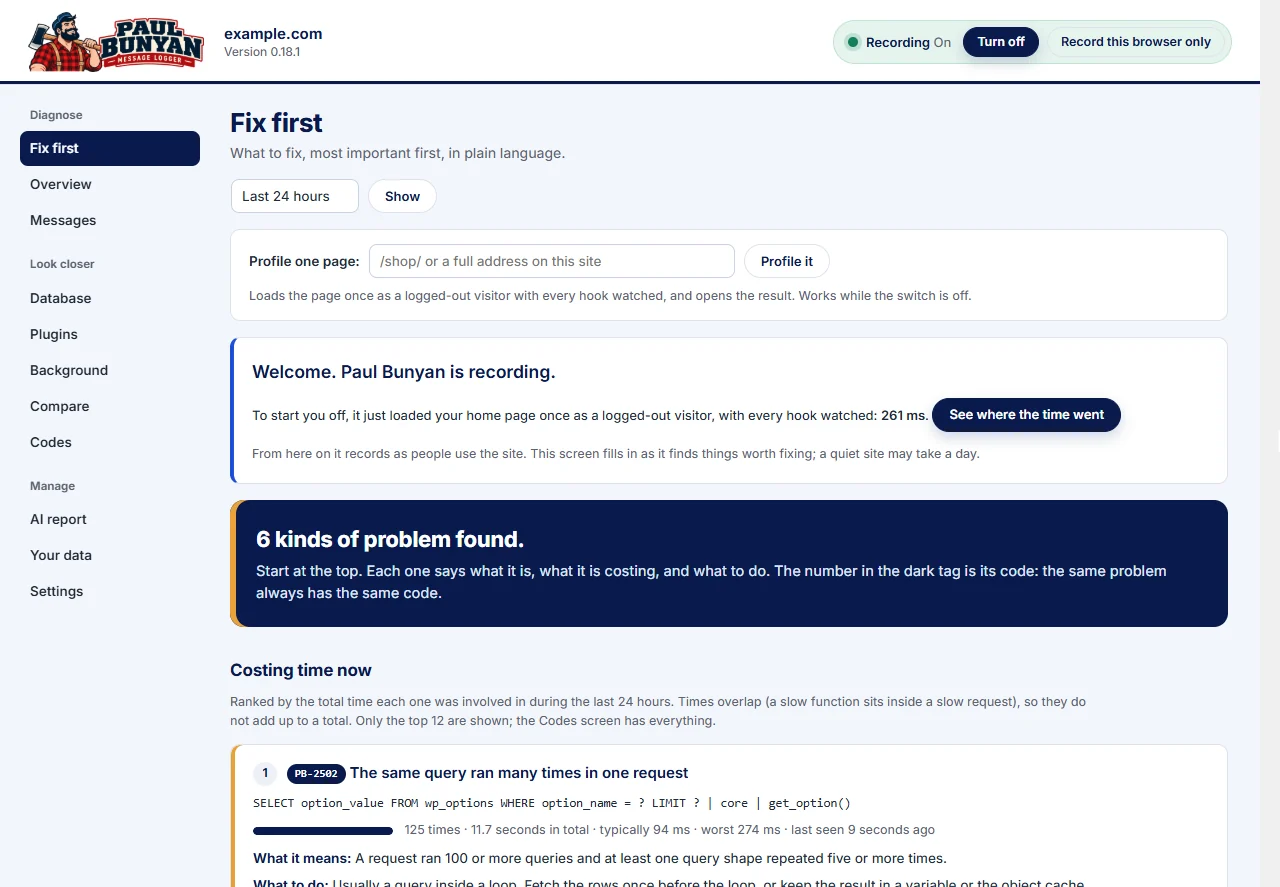
Paul Bunyan watches each request from start to finish and writes one batch of results to your database when the request ends. It works on ordinary shared hosting because everything it does happens inside WordPress, in PHP.
What it records
- Every request: total time, processor time, memory, query count, and for AJAX the action and the function that handled it.
- Slow functions attached to WordPress hooks, with the plugin or theme that owns them and the file and line where they are defined.
- Inside a slow function: the queries it caused, outside calls, email, and its own PHP time.
- Slow database queries, with the line that ran them, and every query grouped by the plugin and function behind it.
- Calls to other servers through the WordPress HTTP API, and every email, each split into build time and send time.
- PHP warnings and fatal errors, matched to the plugin or theme at fault.
- Background work: WP-Cron jobs and Action Scheduler actions, with failures.
- What the visitor's browser saw: page load, largest paint, each AJAX call and slow images or scripts.
- Business events you record with
paul_bunyan_event(), so speed can be read against your own numbers (the Events screen is part of Professional).
How it times hooks
Paul Bunyan places small markers between the functions on a WordPress hook, rather than wrapping each function. The functions themselves are not touched, so other code that adds, removes or checks hooks keeps working.
It runs in two modes. Most traced requests watch only the WordPress stages, hooks known to be slow, your watch list and AJAX handlers. A small share, 5% by default, run in discovery mode and watch every hook to find slow ones nobody knew about. A hook found slow is added to the watch list automatically.
Processor time versus waiting time
Each request has two times. Wall-clock time is how long the visitor waited. Processor time is how long PHP kept a processor busy, which excludes waiting on the database, other servers or the mail system. A hosting company's CPU limit counts processor time, so Paul Bunyan records both.
Where the results go
One table in your own database, written once at the end of each request. The free plugin sends nothing anywhere. Old messages are removed on a schedule; see Your data and privacy.
When Paul Bunyan reports on itself
If its own record is incomplete, Paul Bunyan says so with a PB-1000 code: for example when only a share of requests is traced (PB-1001) or when a write to the database failed (PB-1004). If its own cost or a failing log table keeps recurring, it switches itself off and says why (PB-1008).