
On this page
Yes, by default. WordPress writes the debug log to wp-content/debug.log, which sits inside the public part of your site. Unless your server blocks it, anyone can read it at yoursite.com/wp-content/debug.log. WordPress also never trims the file, so it grows until someone clears it.
How do I check whether my debug.log is exposed?
Open a private browser window and go to https://yoursite.com/wp-content/debug.log. If you see log text or a download starts, it is public. If you see a 403 or 404 error, it is blocked or does not exist.
What is in the log that I should worry about?
Full server paths, the names and versions of your plugins, database queries, and whatever plugins choose to write there. That can include email addresses, order details and, with careless code, API keys. It is a map of your site for anyone looking for a way in.
How do I keep debug.log private?
Best: move it out of the public folder
Give WP_DEBUG_LOG a path above your site's web root in wp-config.php. The folder must exist and the web server must be able to write to it.
define( 'WP_DEBUG_LOG', '/home/youraccount/logs/wp-debug.log' );Or block it on Apache or LiteSpeed
Add this to the .htaccess file in your site's root:
<Files "debug.log">
    Require all denied
</Files>
Or block it on Nginx
Add this to the site's server block and reload Nginx:
location ~* /debug\.log$ {
    deny all;
}
Then repeat the check above.
How big can debug.log get?
There is no limit. A single notice on every page load can add hundreds of megabytes on a busy site, and a full disk takes the whole site down. Check the file size whenever debug mode has been on for more than a few days.
How do I clear or rotate the log?
Delete the file, or empty it. WordPress creates a new one at the next error. On a server you control, logrotate can archive and trim it on a schedule. On shared hosting there is usually no rotation, so the practical rule is to turn debug logging off when you have finished.
Should I leave debug logging on all the time?
Not with the default setup. A public file that grows without limit is a liability. If you want a permanent record of errors, it needs to be private, bounded in size and readable.
How Paul Bunyan helps
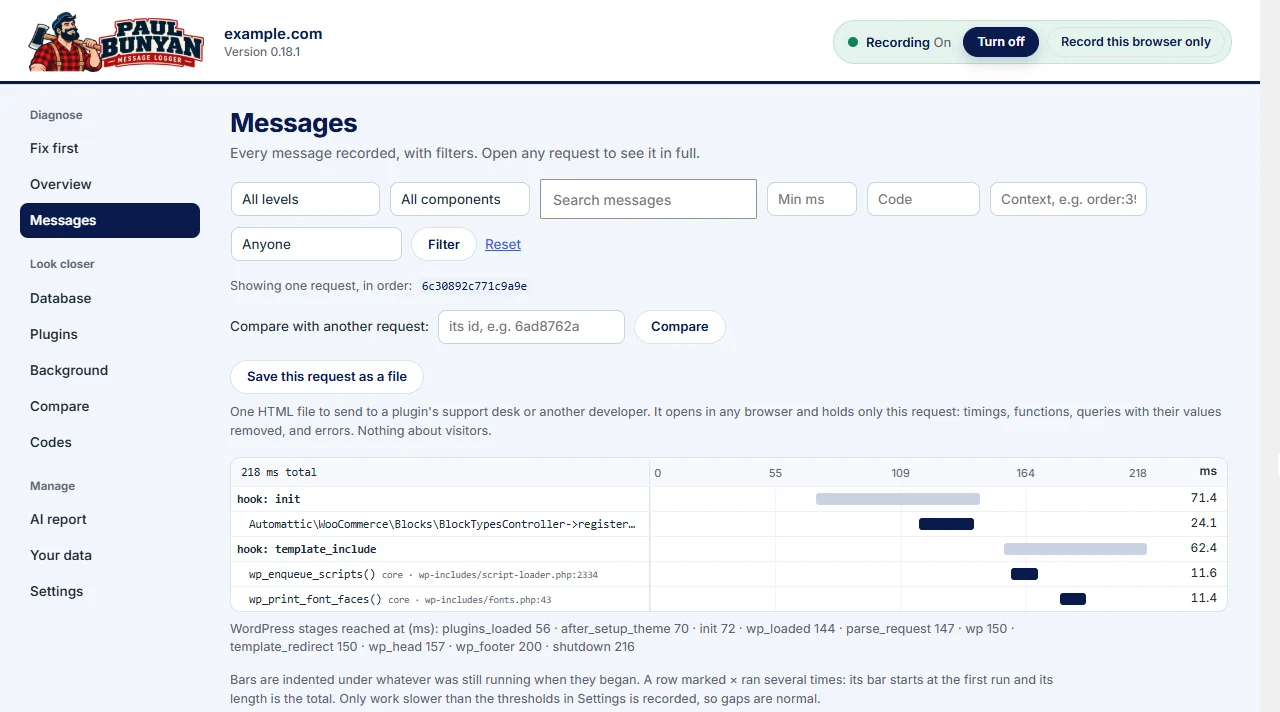
Paul Bunyan keeps its record in your site's database, behind your WordPress login, so there is no file for a stranger to open. It clears old entries on a schedule, so the size stays bounded. Its setup checks also flag debug settings that are risky on a live site (PB-3006).