
On this page
A "Deprecated" line in the WordPress debug log means a plugin or theme is using a PHP feature that still works today but will be removed in a future version of PHP. Your site is not broken. The notices appear in large numbers after a PHP upgrade because the same line of code runs, and logs, on every request.
What do the common deprecation messages mean?
| Message | Since | In plain words |
|---|---|---|
Passing null to parameter #1 ($string) of type string is deprecated | PHP 8.1 | Code handed an empty value to a function that expects text. |
Creation of dynamic property Example::$name is deprecated | PHP 8.2 | Code stored a value on an object without declaring it first. |
Implicitly marking parameter $name as nullable is deprecated | PHP 8.4 | A function's definition uses an older shorthand. |
Method ReflectionProperty::setAccessible() is deprecated since 8.5 | PHP 8.5 | Code calls a function that has done nothing since PHP 8.1. |
Is a deprecation notice an error?
No. The page loads and the code runs. It is a notice to the developer that this code will stop working in a later version of PHP, usually the next major one. It becomes your problem on the day you upgrade to that version.
Why are there thousands of them?
One deprecated line in one plugin logs once per request, or once per loop if it sits inside one. A site with 10,000 page loads a day and three such lines writes 30,000 log entries a day. The count tells you how often the code runs, not how many problems you have.
Whose job is it to fix them?
The author of the code named in the file path. Find the folder after plugins/ or themes/, update that plugin, and if the notice is still there, report it to the author with the exact message and line. If the path is in your own theme or custom plugin, it is yours.
Should I hide deprecation notices?
Never show them to visitors: keep WP_DEBUG_DISPLAY set to false. Whether to keep them out of the log is a trade.
The usual advice is to remove deprecations from PHP's error reporting altogether. That quiets the log, but it hides every deprecation, including ones in your own code and ones that will break the site at the next PHP upgrade. You find out on upgrade day.
A better approach is to keep recording them but stop reading them line by line: group identical messages, count them, and sort by plugin. Then thousands of lines become a short list of things to report or fix.
What should I do before upgrading PHP?
- Turn on logging on a staging copy running the new PHP version.
- Click through the site: front end, dashboard, checkout, forms.
- Group the deprecations by plugin.
- Update those plugins, and replace any that are no longer maintained.
- Look for fatal errors, which are the ones that stop the upgrade.
How Paul Bunyan helps
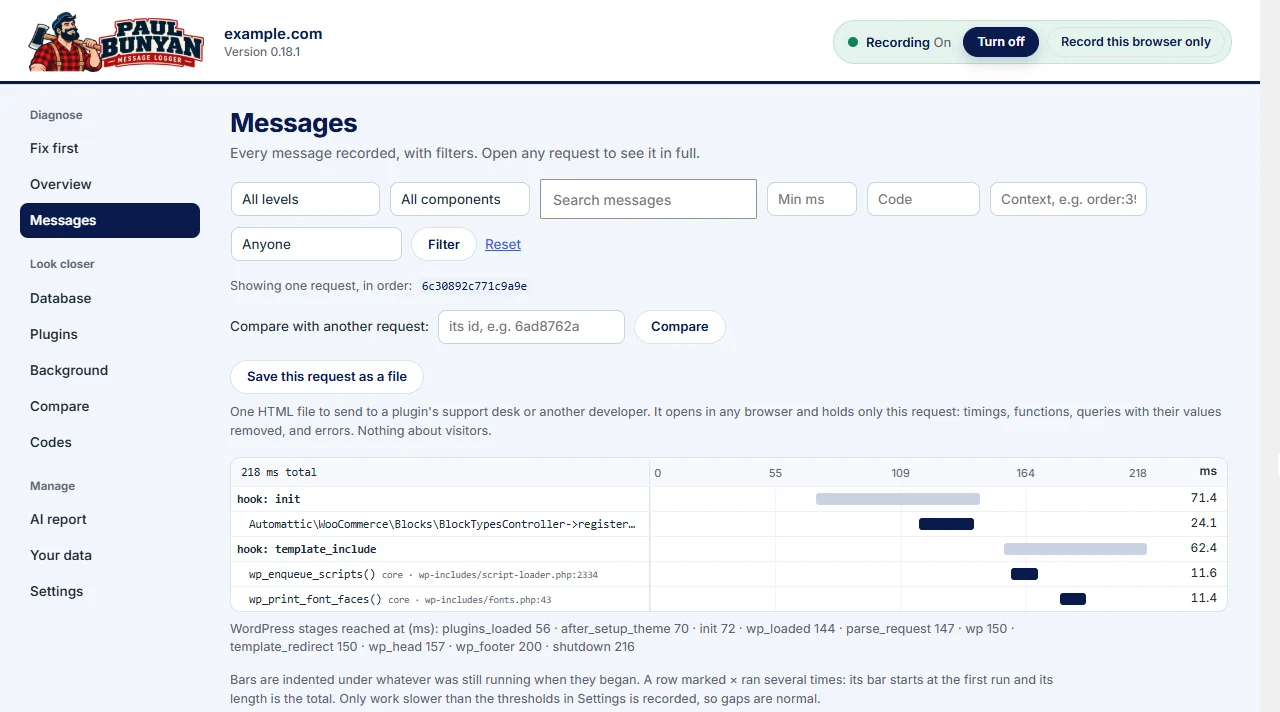
Paul Bunyan groups identical PHP messages and counts them, so a flood shows as one line per distinct notice with the plugin, file and line. Deprecations stay separate from warnings and fatal errors, so the real problems are not buried.